The complete countertop platform for stone fabricators. Draw and quote, get it signed, then run production, track every piece on the floor, and manage your slabs and remnants — all in the browser, with your whole team.
No credit card required. Email verification only.
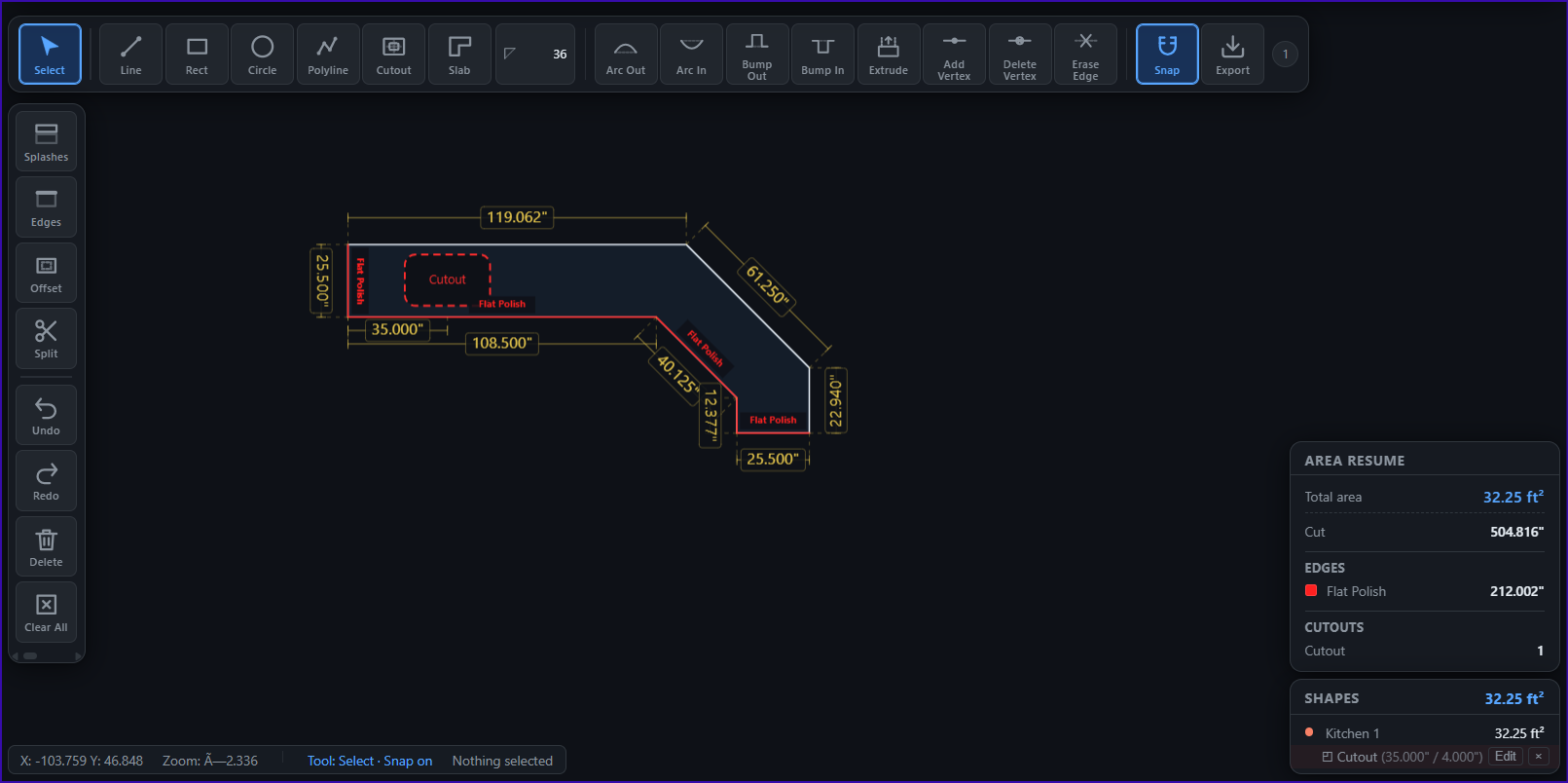
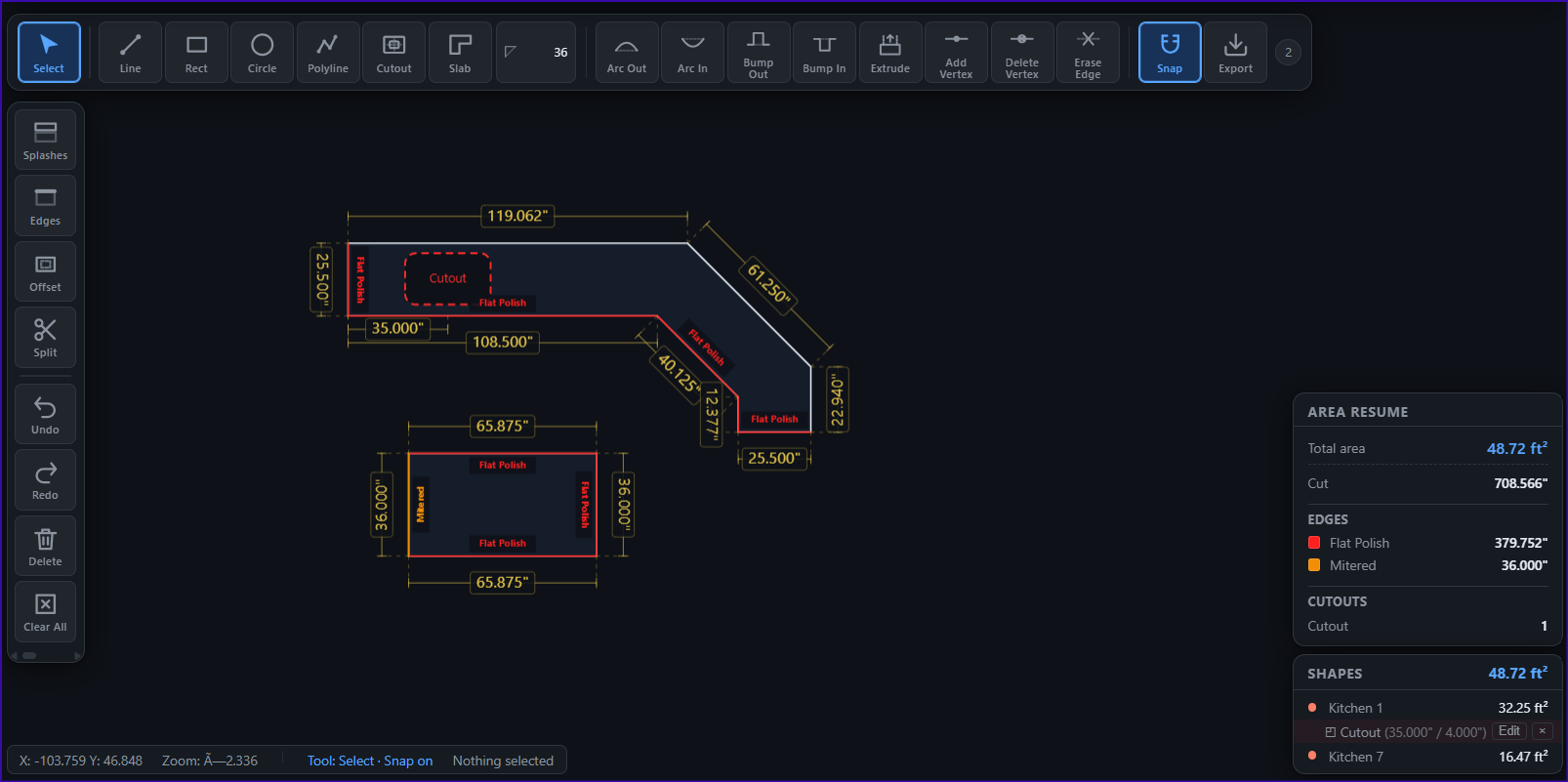
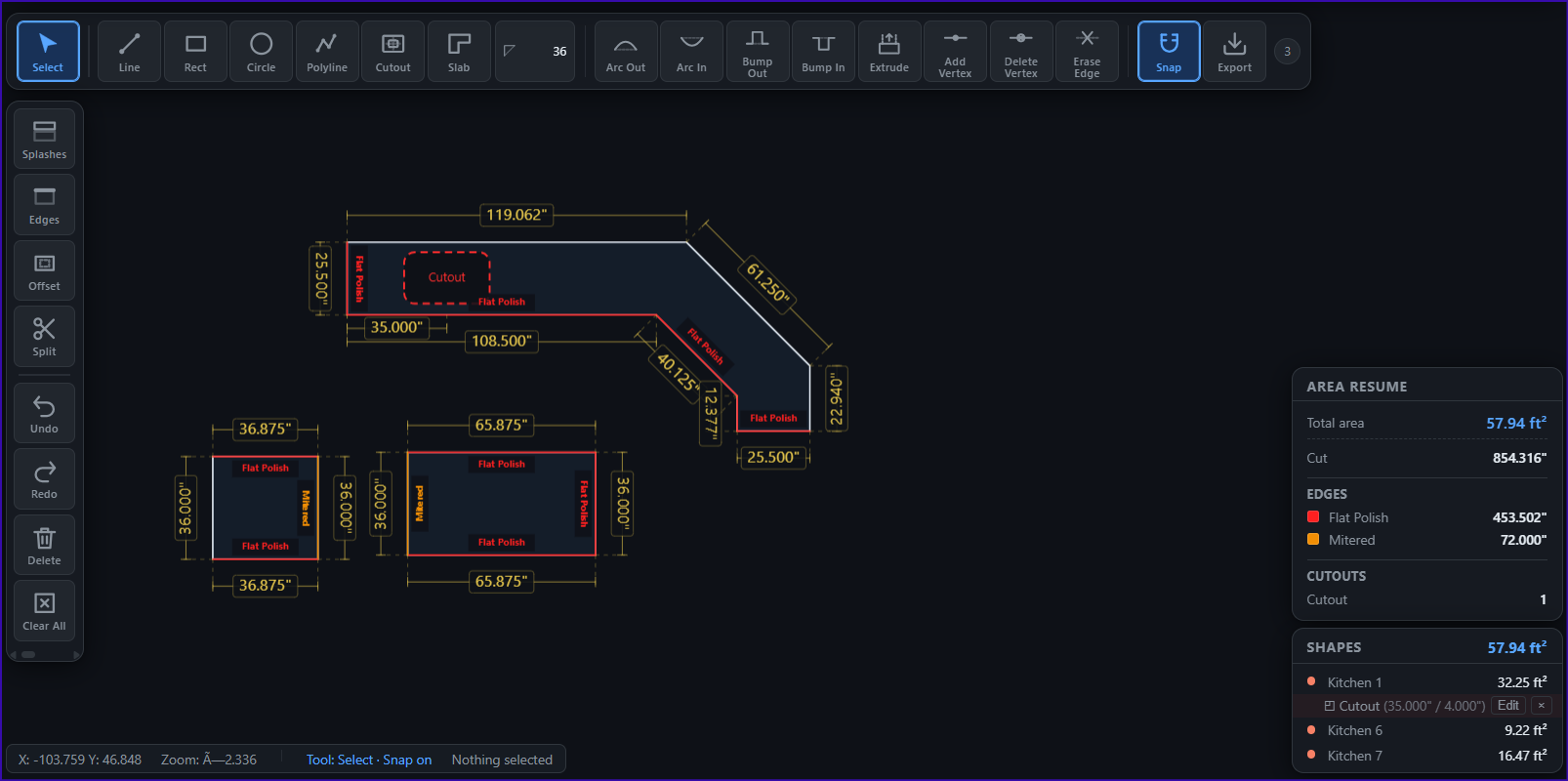
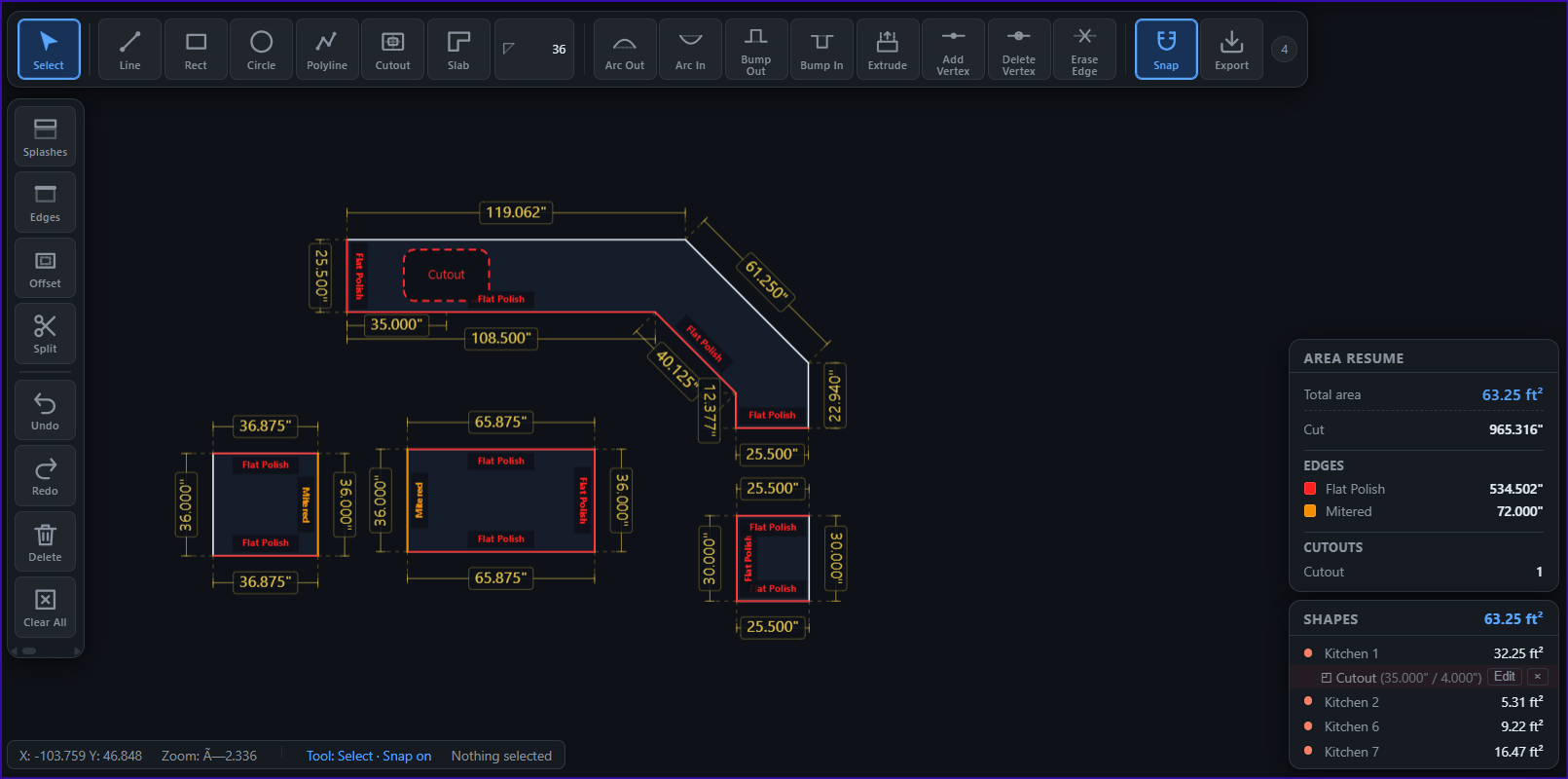
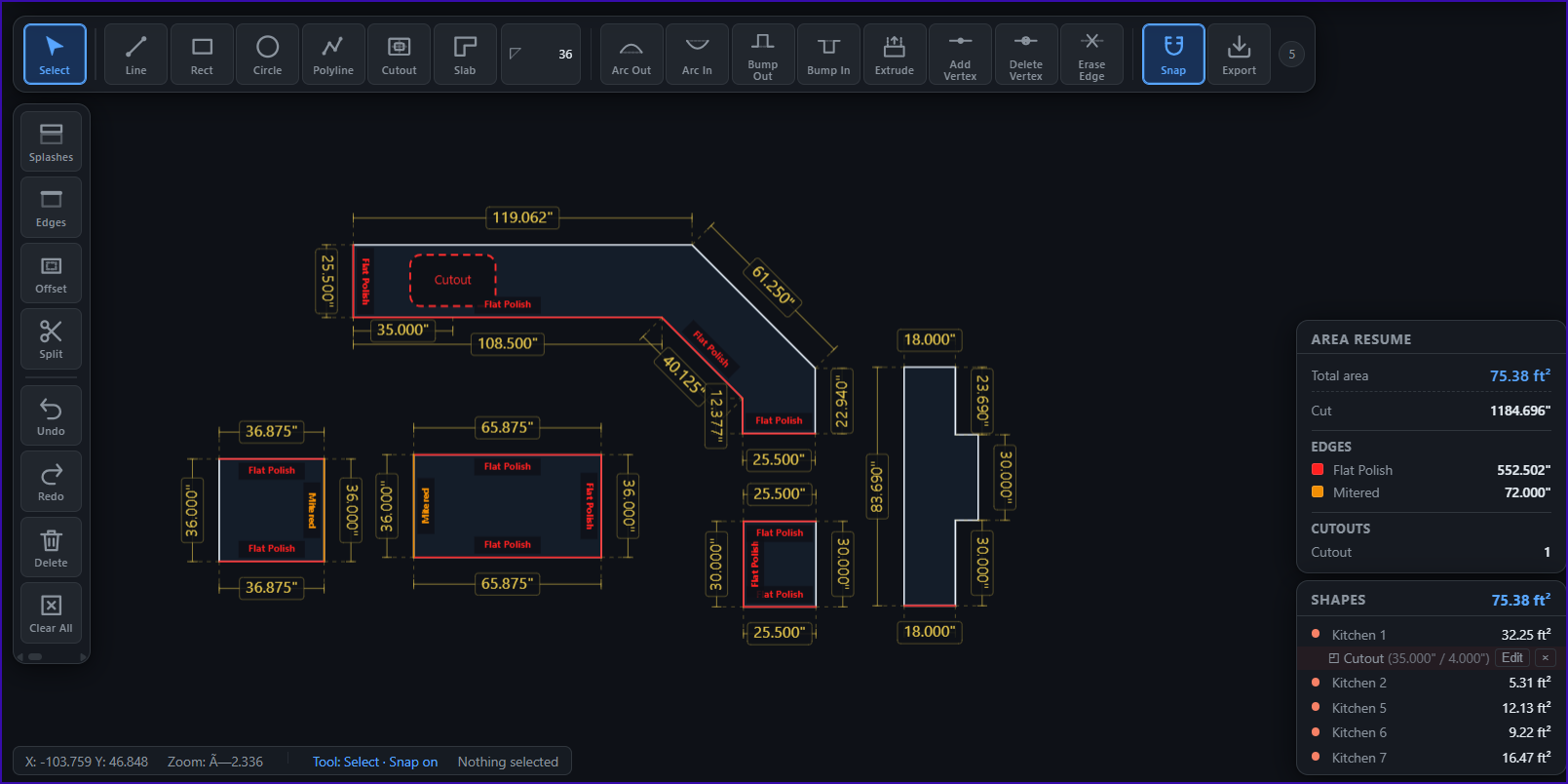
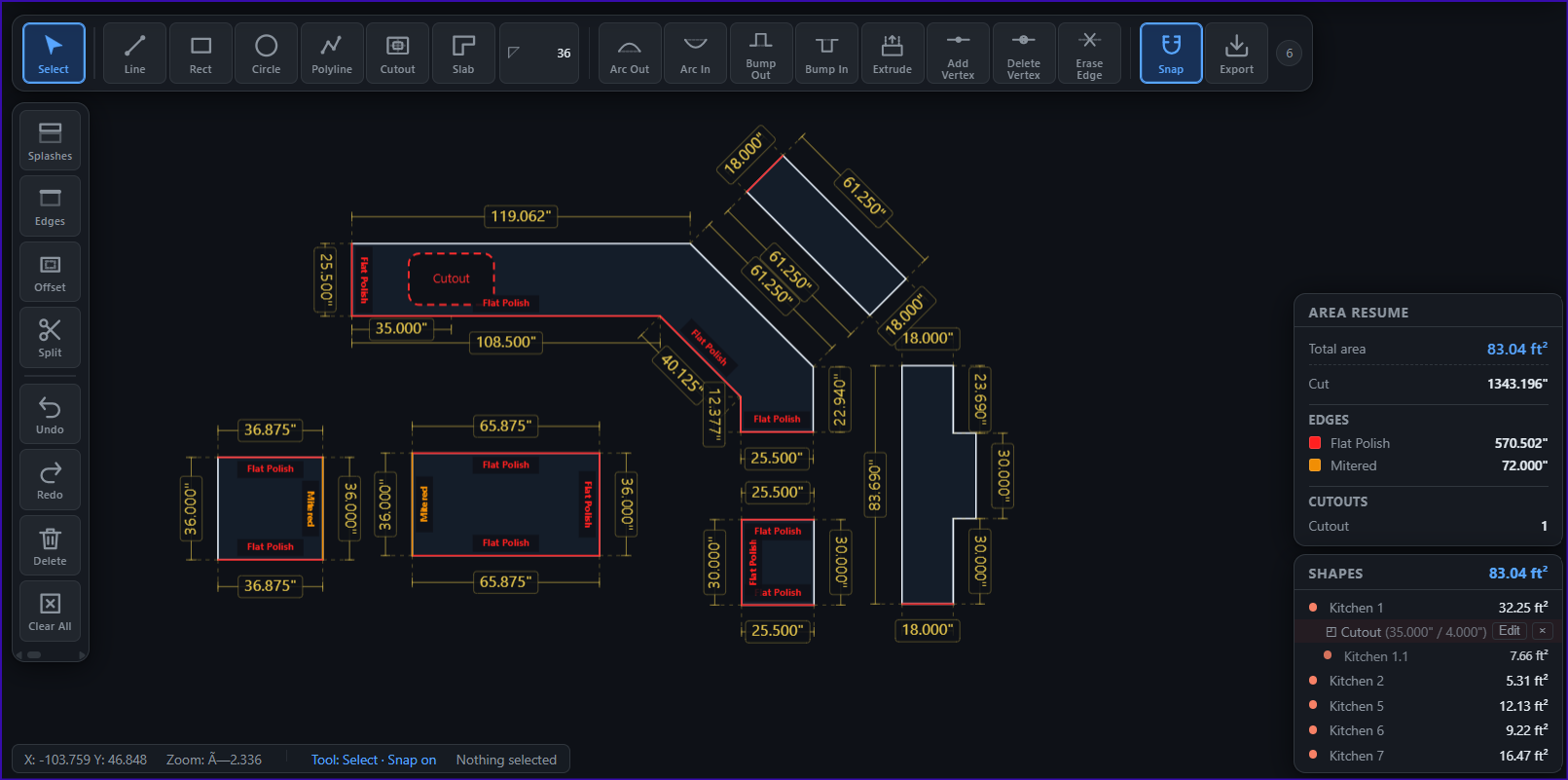
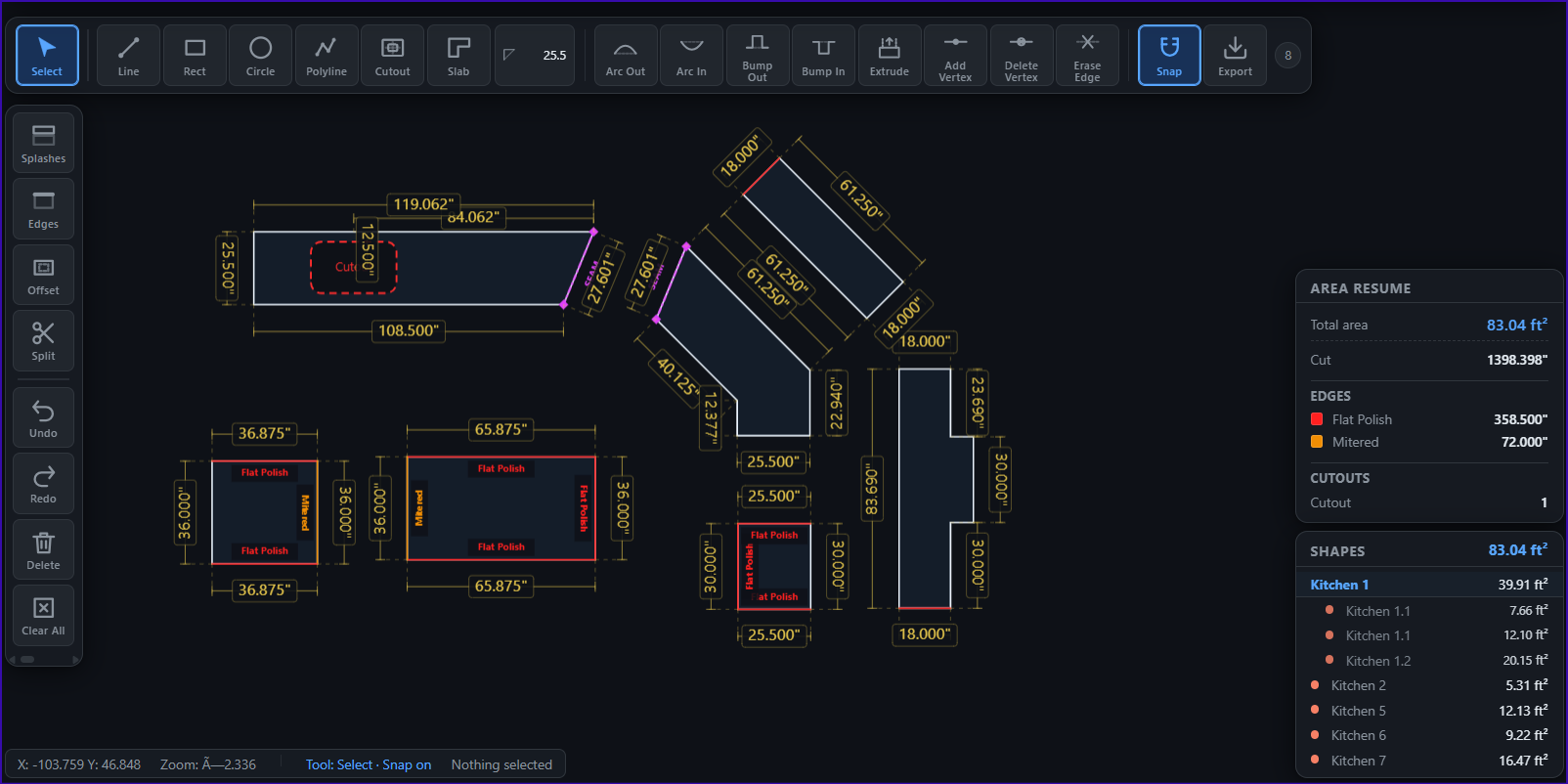
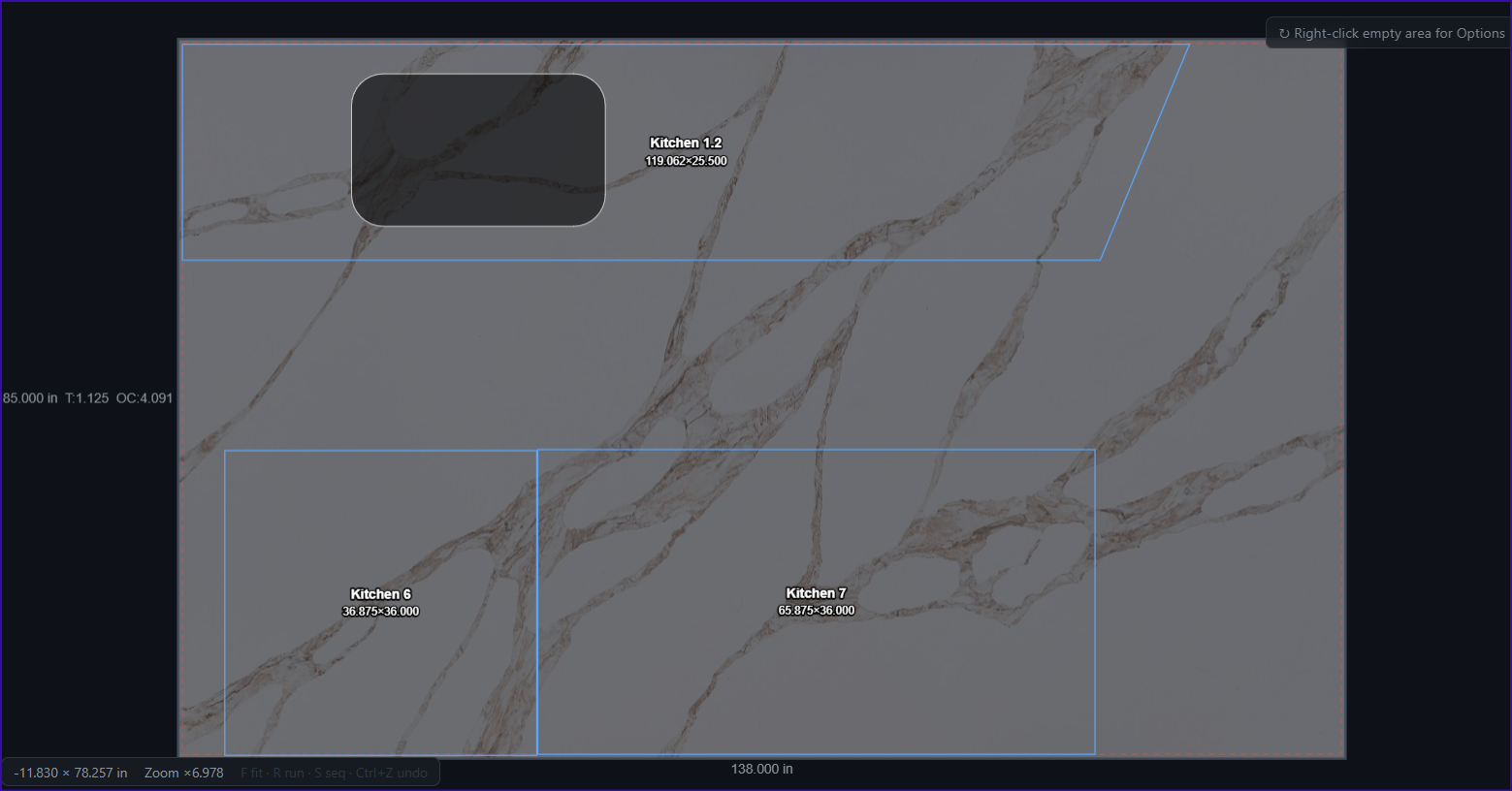
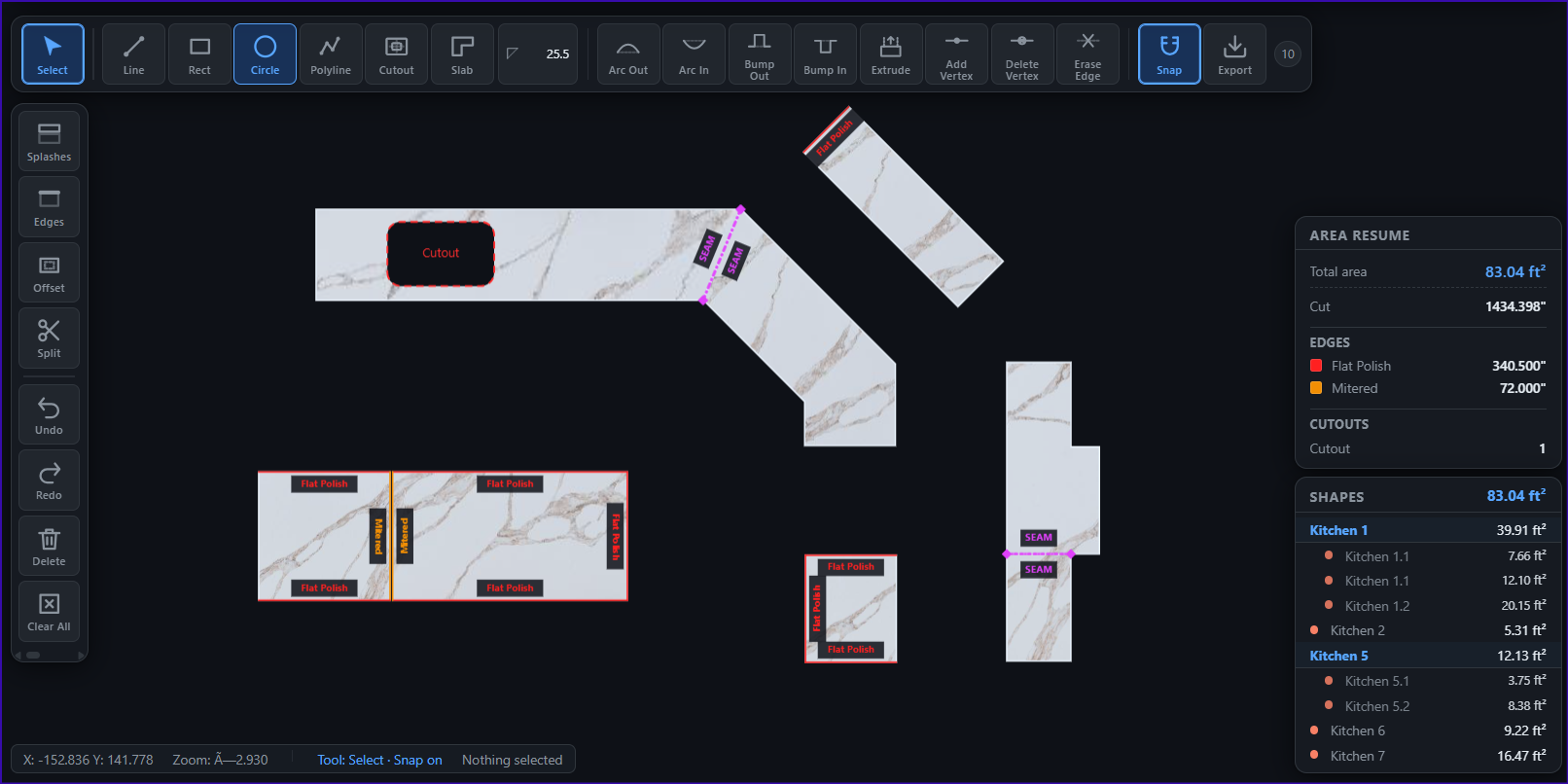

Every tool was added because a real shop asked for it.
Click waypoints on the outside edge, set your depth, get a perfect closed countertop with mitred inside corners — at any angle.
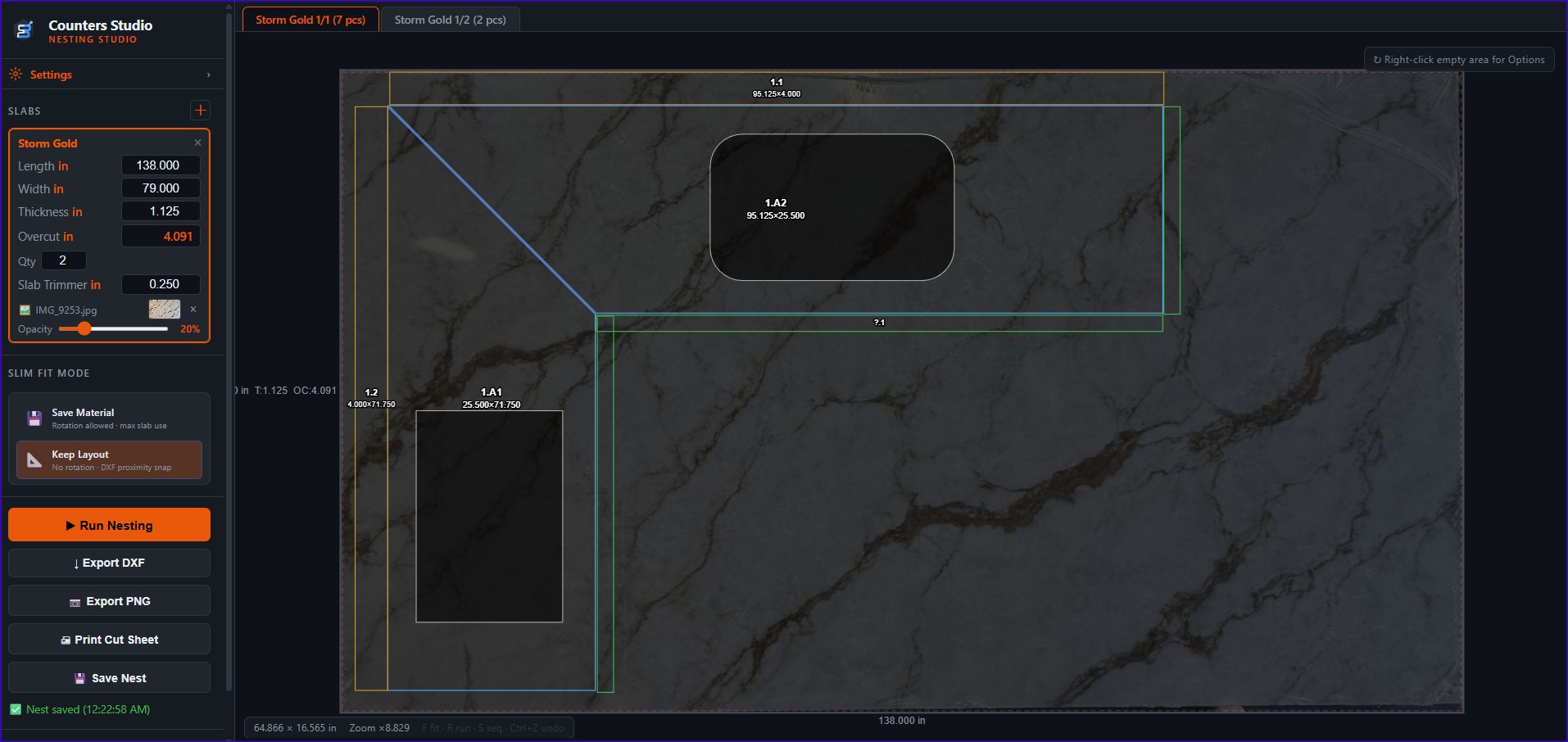
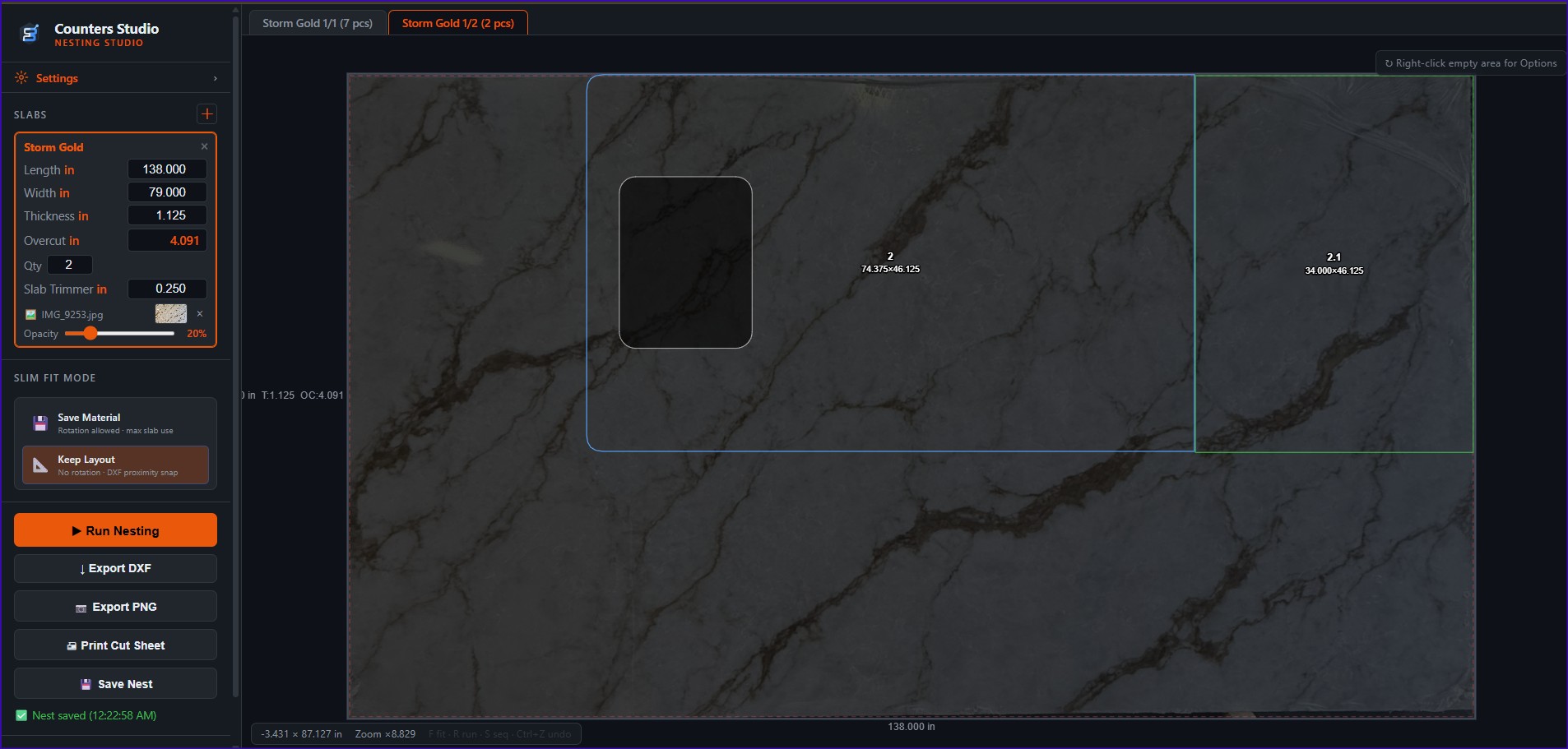
Maximal Rectangles + BSSF packing with kerf-aware spacing, blade-overcut clearance, and T-junction avoidance — three strategies (Slim Fit, Easy Cut, Hybrid) for any cut shop.
Full export with real bulge arcs for radii, chamfer annotations, layer-tagged seams and labels, plus a metadata layer that round-trips back into the editor without losing a thing.
Bump, arc, extrude or split any segment of any shape. Per-corner radius and chamfer with live dimension editing. Right-click anywhere to switch operation in one click.
Define your finishes once — Flat Polish, Bullnose, Bevel, anything — and paint them onto edges. Colour-coded on screen and exported as a separate DXF layer for the polishing crew.
Group countertops by room (Kitchen, Master Bath, Island...) inside a single project. Auto-saves to the cloud, accessible from any device.
Place sinks, cooktops, faucets and hand-drains by edge with exact setback and distance-along. Per-cutout labels, included in the perimeter, painted edges supported, exported on their own DXF layer.
Split oversized tops for transport with one click — dashed magenta SEAM lines mark the join. Right-click any seam to merge the pieces back. Cutouts crossing the seam are split automatically.
Share a single project with a coworker, or flip on Share-All to auto-share every new project with your whole shop. The crew always has the latest version.
Inch or millimetre per project, UI in English, Spanish and Portuguese. Load existing DXF files from any CAD tool, edit them, export them back — full round-trip.
It comes out of the same drawing — and it goes to your customer in the same link they get to sign.
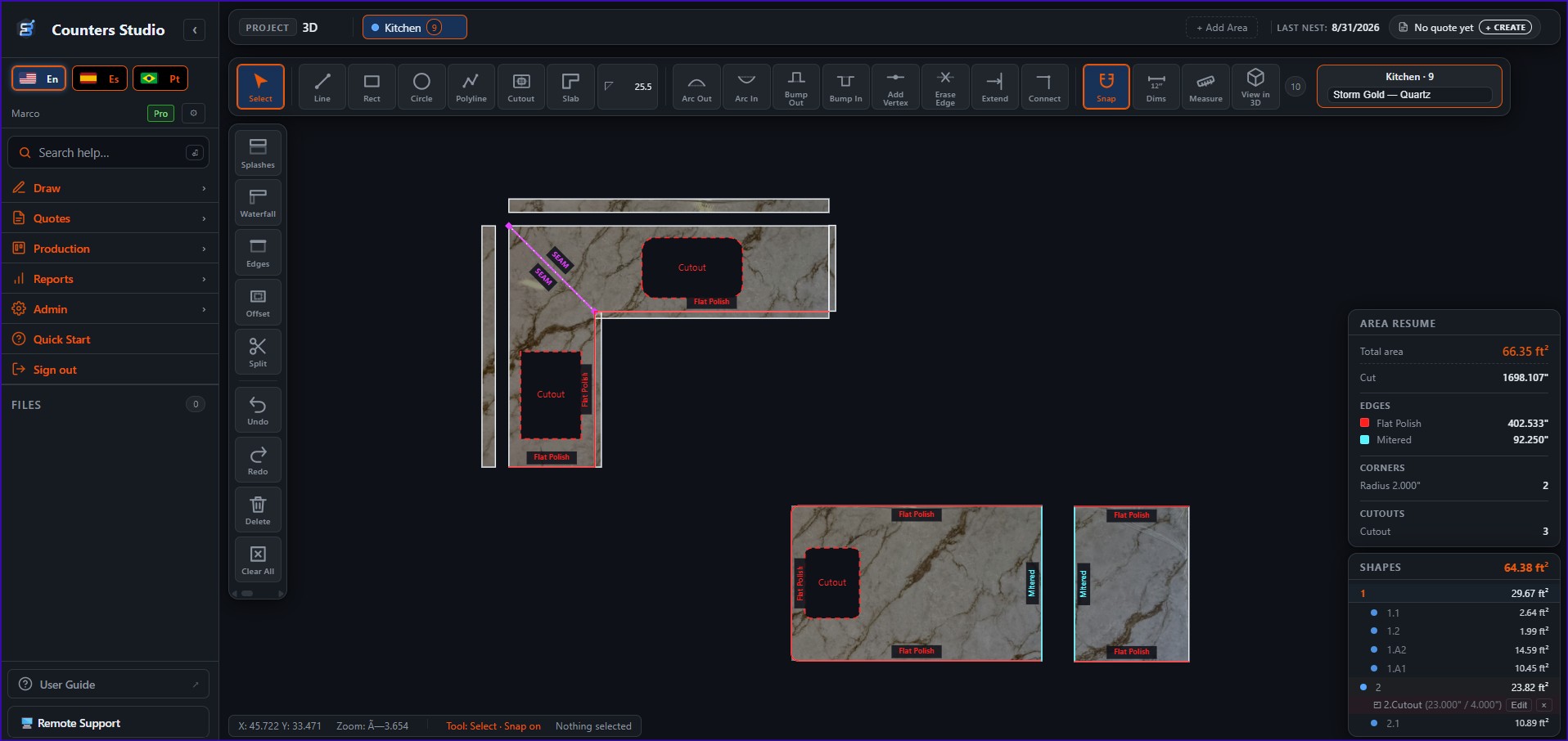
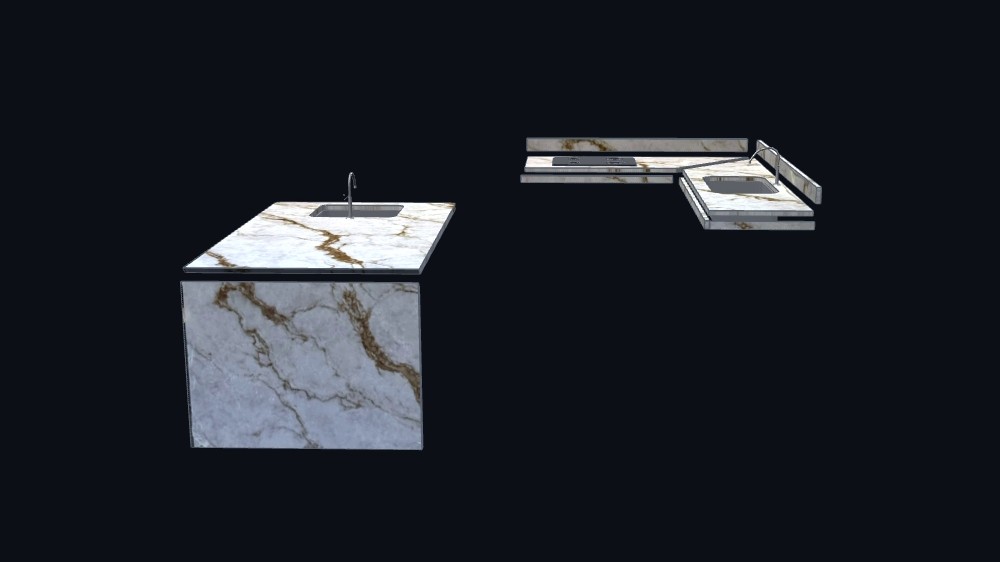
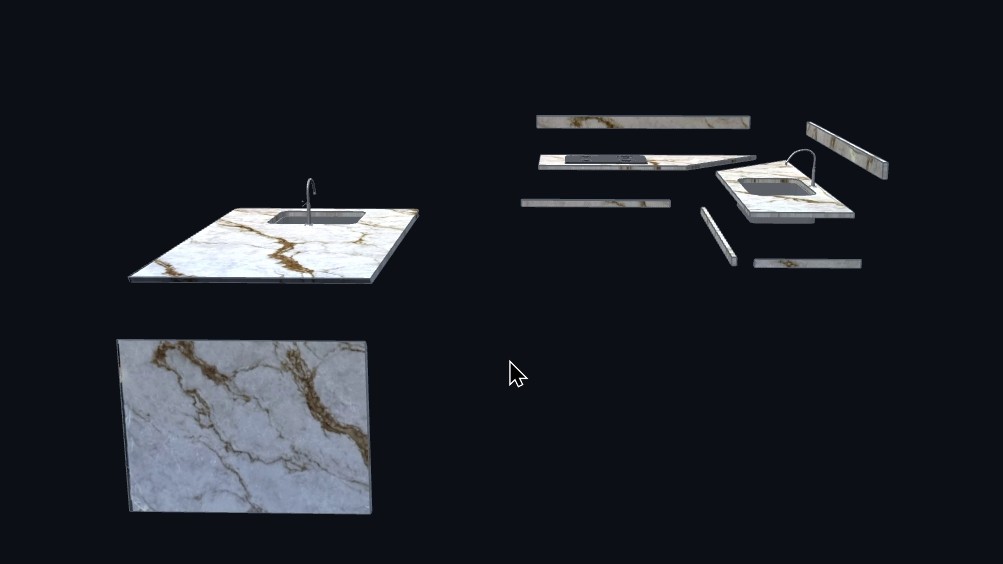
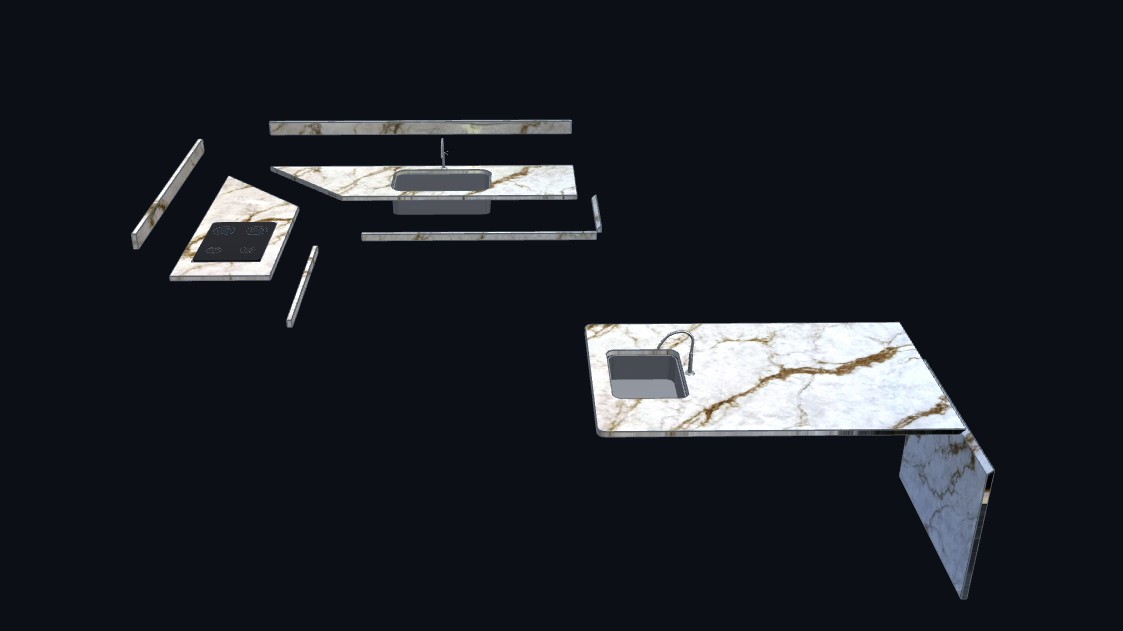
The edge you painted as mitered becomes a real 45° bevel. Waterfalls meet the deck on a true miter, the splash keeps its bump-out, the sink sits in its own cutout. You draw once — the 3D is already there.
Spin it, zoom in, separate the pieces. The seam that was going to be a problem shows up on your screen, not on the customer’s kitchen island.
Your customer opens the 3D from the same link they got to sign. No app, no login, no plugin — they approve what they were actually able to see.
When the quote is signed, production picks it up automatically.
Every signed job flows across a board — cut, polish, fabricate, install. See what's where at a glance.
Each piece gets a route across your machines, with capability checks and live queue load so nothing bottlenecks.
Get the cut sequence for the bridge saw, blade-kerf aware, with a printable cut sheet that counts every cut.
Scan, check out, clock in — no paperwork.
Operators scan the QR on the production order to pull up the exact project and piece. No hunting for files.
Mark pieces done step by step. The board updates in real time so the office always knows the true status.
Badge or PIN punch-in at shop stations, labor logged per job. Know what each job really costs in hours.
Three ways to build a quote. Pick the one that fits the job.
Finish the drawing — the quote builds itself. Slab, edges, cutouts, splashes, labor — all picked up automatically. Review, tweak, send. No copy-pasting.
Got a standard kitchen package? Start from a saved template, swap the customer and dimensions, hit send. Repeatable jobs become 30-second quotes.
Quick site visit, no drawing yet? Build a quote by hand — slabs, edges, labor, photos. Same professional output, customer doesn't see the difference.
Your customer signs from their phone. No paper, no scanning.
Email the quote with your branding, or copy a share link to send by WhatsApp or SMS. Customer opens it on any device — no login, no account, just the quote.
Customer signs with their finger on a phone or with a mouse on a laptop. You get an instant email when it's signed. Every signature is recorded with the signer's email, a timestamp and the IP address, and both of you get a copy.
Turn offcuts into inventory you can actually find.
Snap a photo, record size, color, supplier and location. Put it on hold for a job in one tap.
Search by color, supplier, type, reference, location or remnant number — from the office or the kiosk.
Print or PDF the whole remnant list in the order you see on screen, for the yard crew.
Import your inventory once, quote from it forever.
Keep materials, colors and suppliers in one catalog that feeds every quote and nest.
Bring in your existing slab list and match colors to suppliers with a guided “who's who” step.
Production-ready DXF in one click. No CAD intermediary.
Edges, cutouts, holes, reference geometry — each on its own layer, named the way your CAM operator expects. Drop the file into your machine's workflow and start cutting.
Pieces nest themselves on your actual slab dimensions with the kerf and waste rules you set. See yield before you cut. Avoid expensive re-orders.
Estimator draws and quotes. Production downloads the DXF the moment the quote is signed. No re-drawing, no version mix-ups, no “wait, which file?”
Every quote and job rolls up into numbers you can act on.
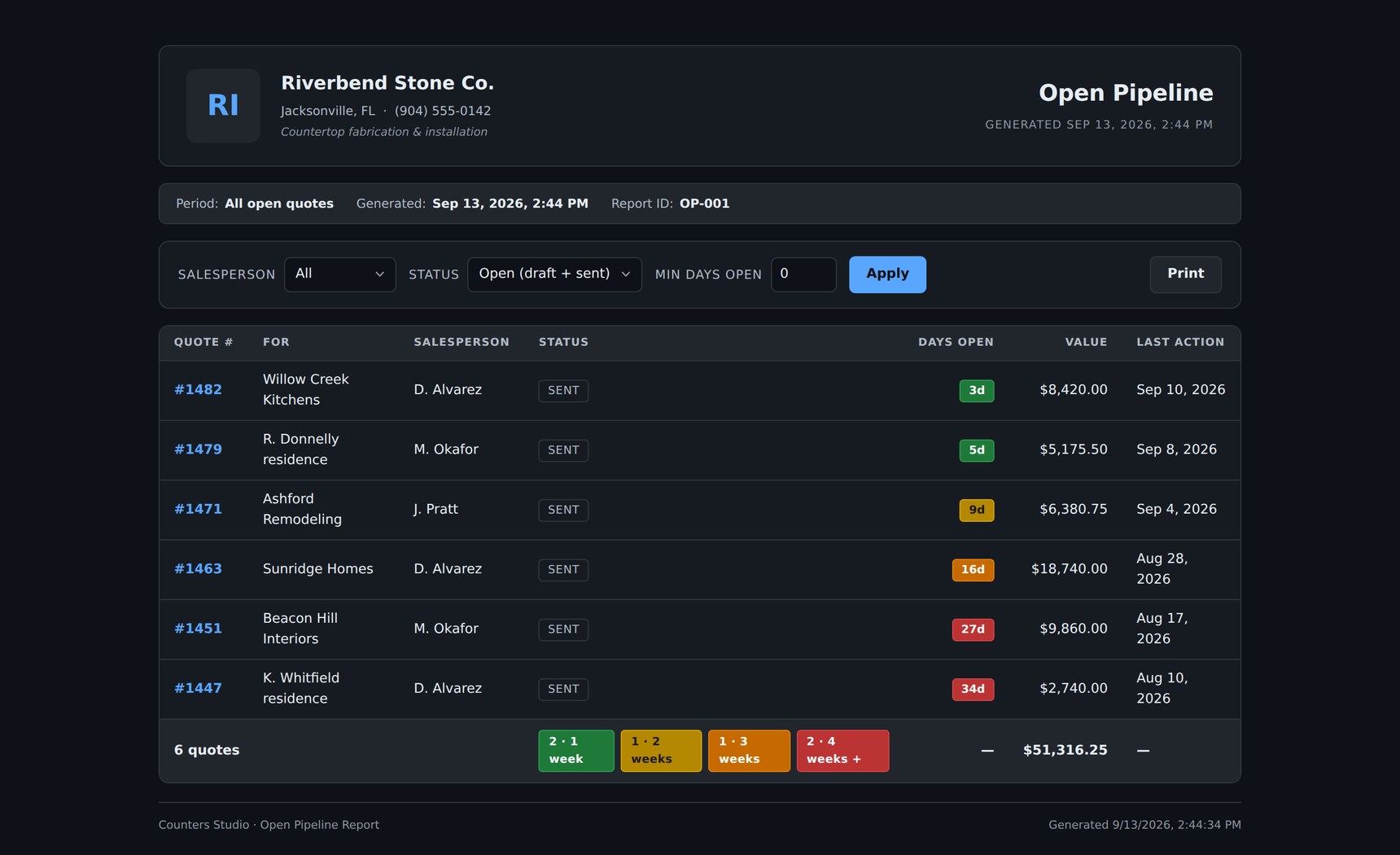
Every quote still out, worst first. Green under a week, red past four — so the one going cold is the one you see.
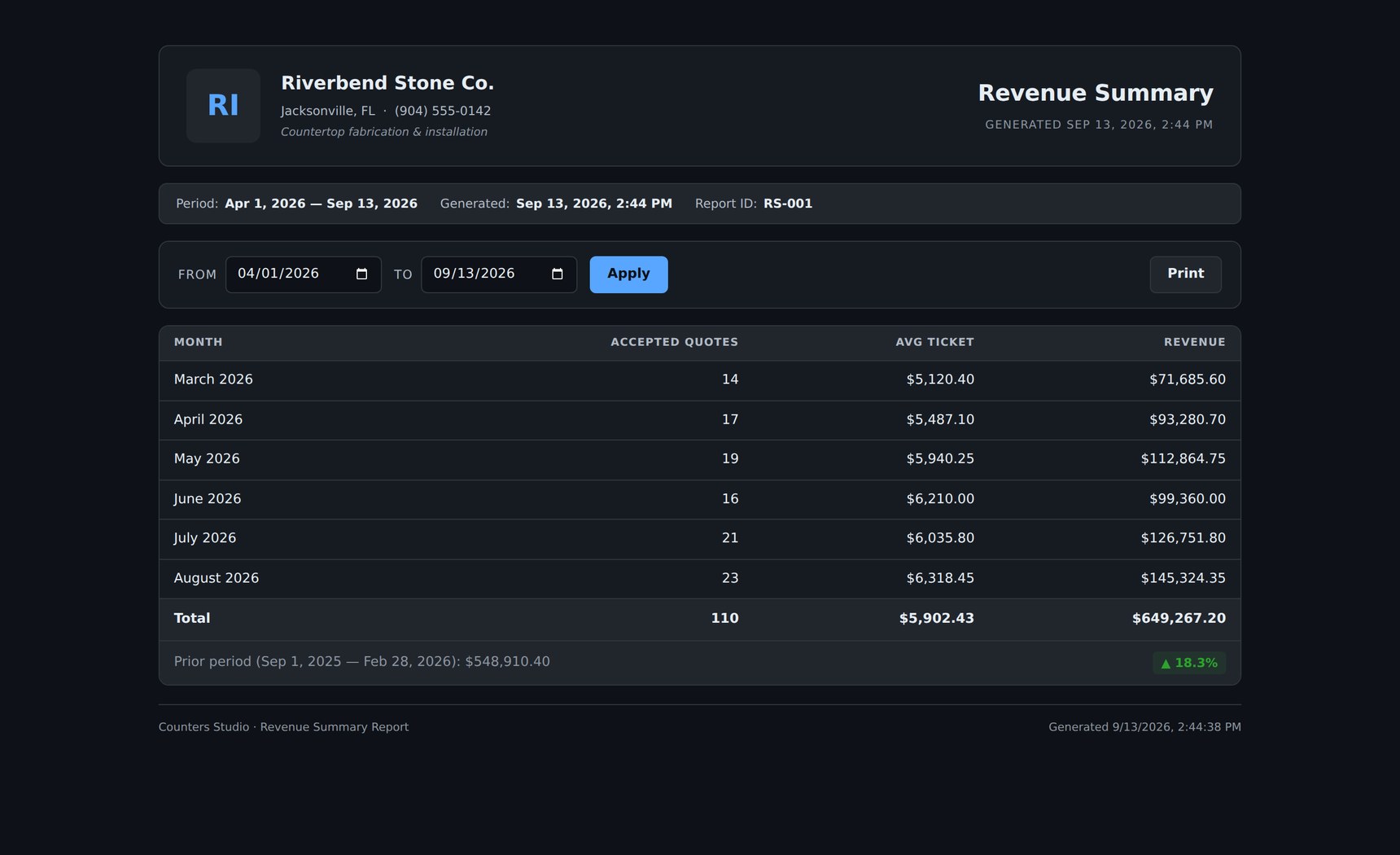
Accepted quotes, average ticket and revenue by month, side by side with the period before it.
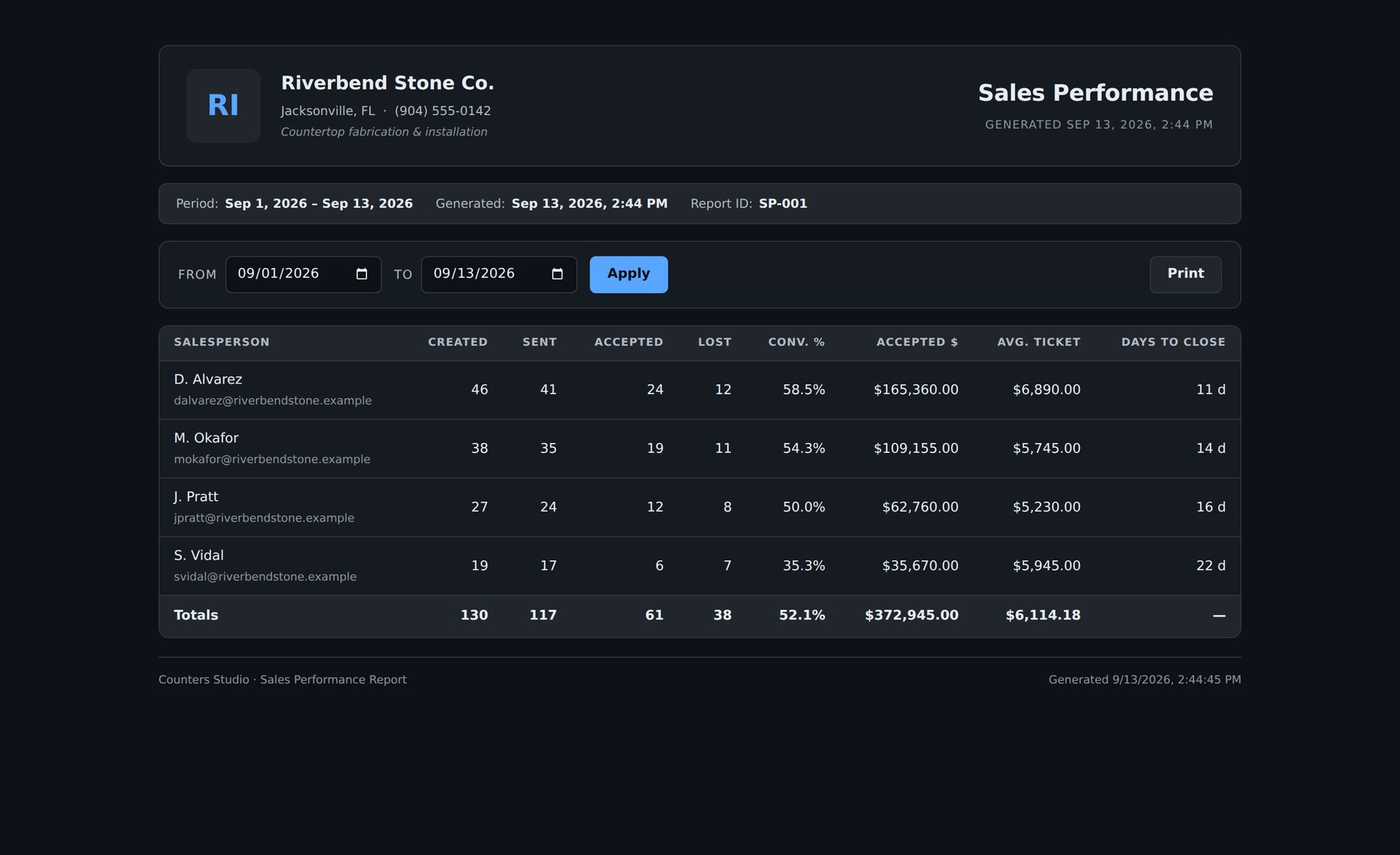
Created, sent, accepted, lost and days to close, estimator by estimator.
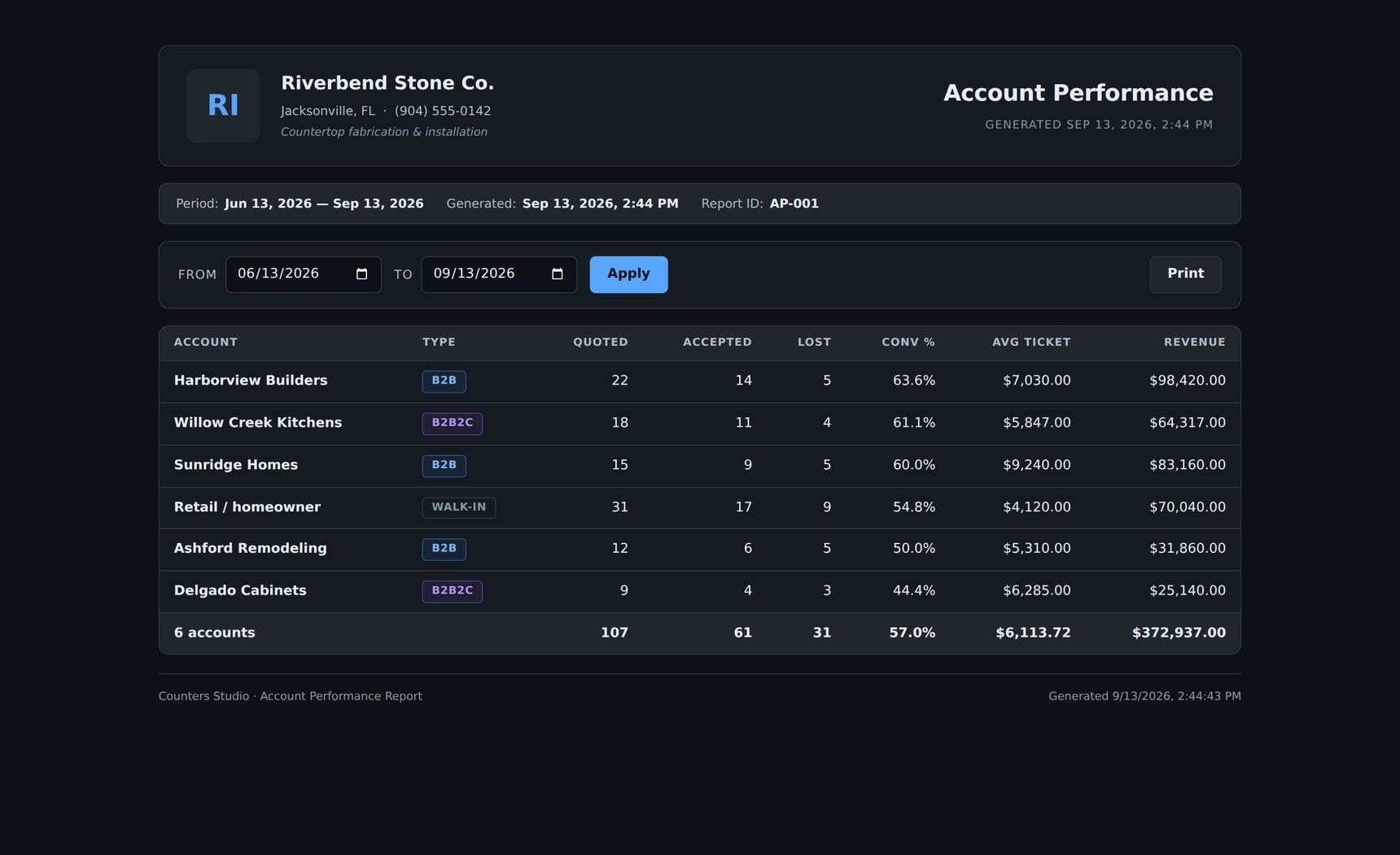
Which builders, dealers and walk-ins actually convert, and what each one is worth.
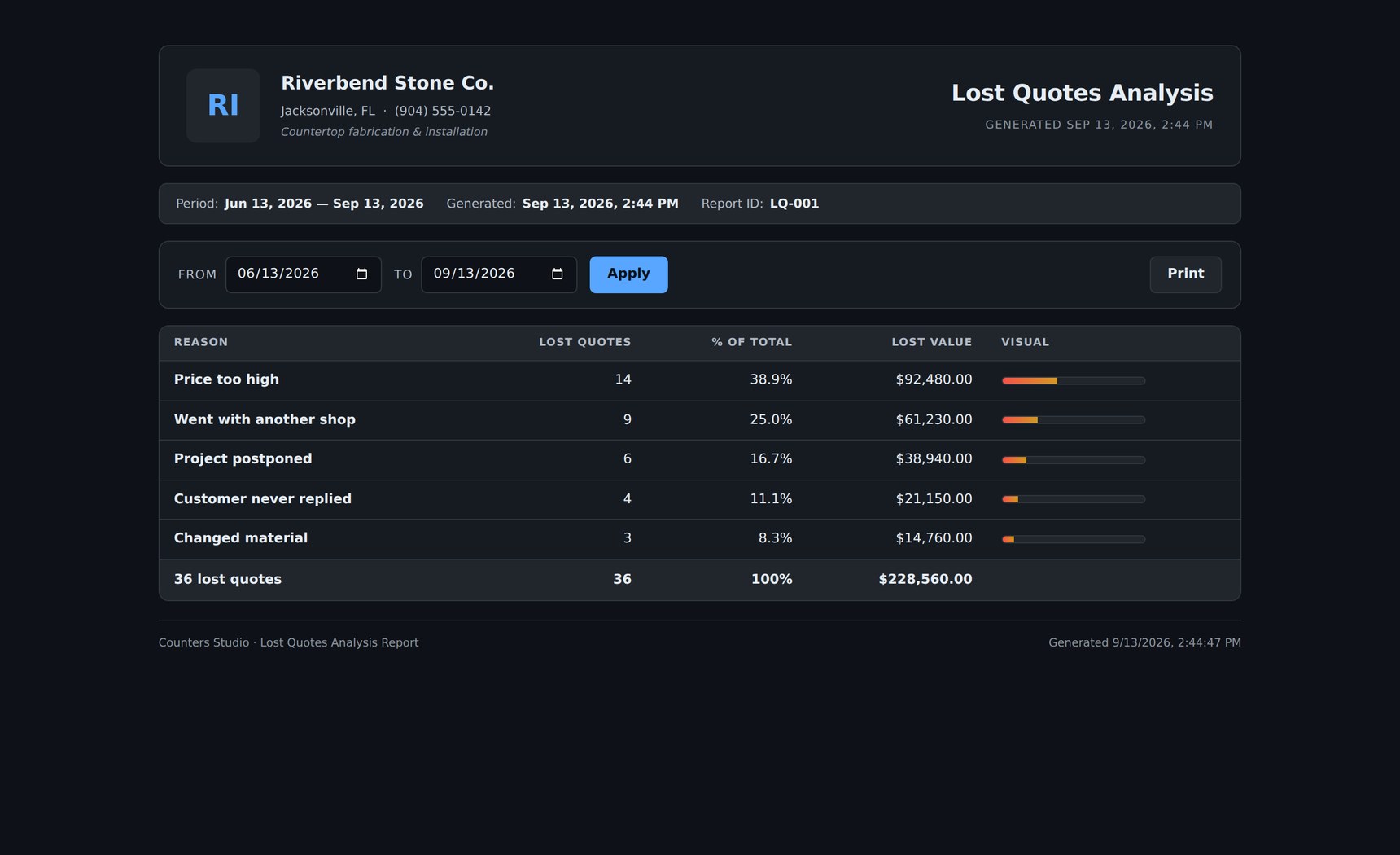
Why quotes didn't close, how often each reason came up, and what it cost you.
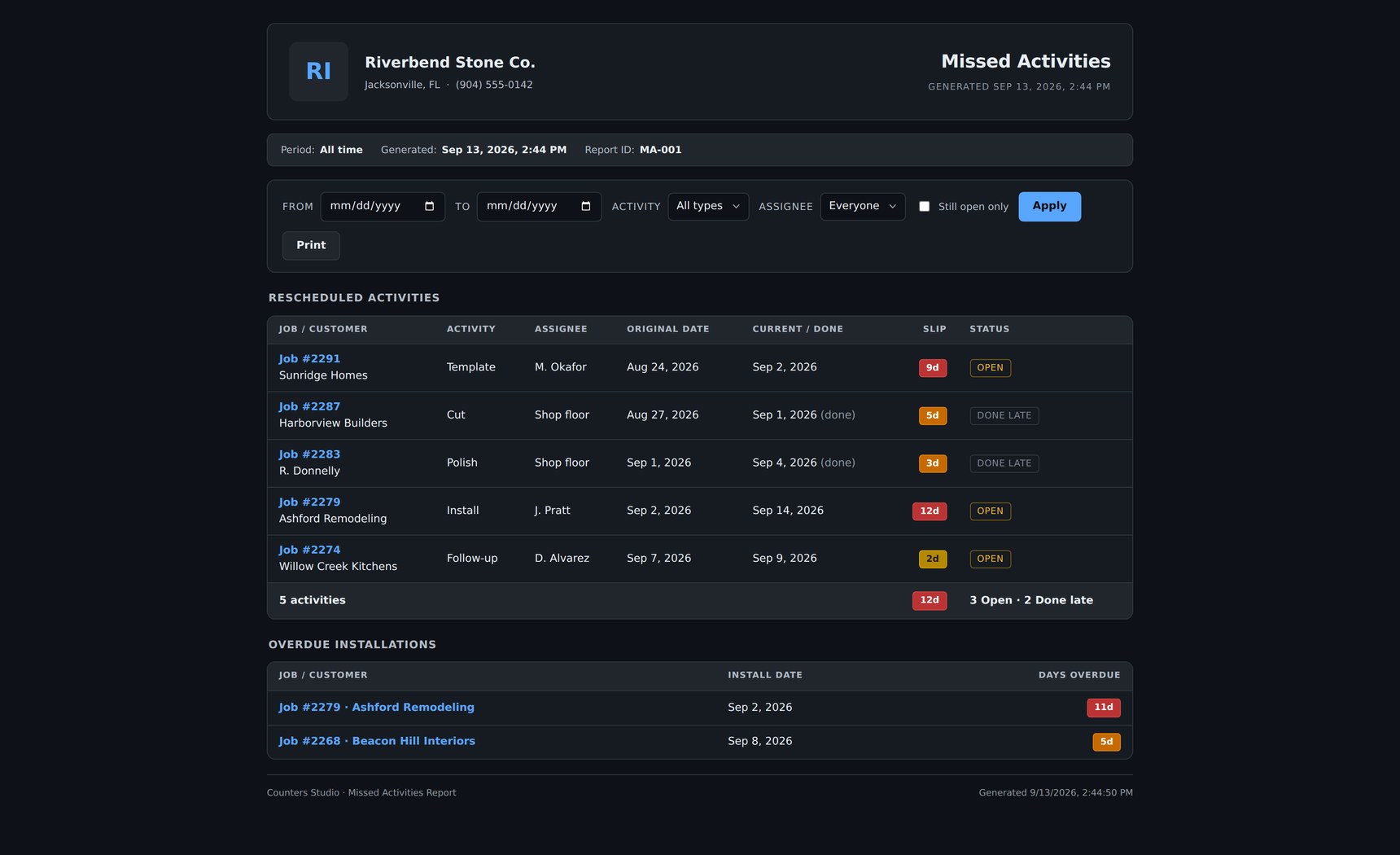
What slipped its date, by how many days, and which installs are already overdue.
Live remote support, built right in.
Click Remote Support in the app and our team can see and control your screen to fix things fast.
You approve every session and can stop it anytime. Nothing happens without your consent.
A tiny support agent installs in a minute and works on both.
Try every feature free. Upgrade when you're ready.
Full access for up to 5 teammates. No credit card.
Cancel anytime. Pay as you go.
Save $88/seat/yr vs monthly. Billed once a year.
Prices in USD. Payment processed securely by Stripe.
21 days, all features, no credit card. We'll just verify your email.
